

Turn assessment
feedback into
a guided conversation
AI Discuss gives respondents a guided AI conversation with their own assessment feedback, helping them explore their scores, understand recommendations, and identify next steps. Grounded in assessment data and shaped by your methodology, AI Discuss makes feedback more interactive, useful, and easier to act on.

Feedback that speaks volumes
Your assessment already creates valuable insight. AI Discuss helps people stay with that insight for longer.
Respondents can ask questions about their results, explore what their feedback means, and clarify the next steps that feel most relevant to them. Instead of relying only on a static report or dashboard, they get a more active way to engage with their feedback.
This is especially valuable for assessments with sophisticated scoring, complex logic, highly personalized reports, cohort reporting, longitudinal insight, and deep customization — the kind of assessment experiences Brilliant Assessments is built to support.
Discussions grounded in your assessment
AI Discuss is not a general AI tool sitting beside your assessment. It is designed to work with the assessment experience you have created: your scoring, your report language, your recommendations, your tone, and your boundaries.
Grounded in assessment results
Responses are based on the respondent’s own scores, rating text, and configured assessment content.
Shaped by your methodology
You control the prompt, tone, scope, and instructions, so the experience reflects your framework and brand.
Designed with boundaries
Individual conversations stay focused on the respondent’s own results. Cohort conversations are based on aggregated data, not individual responses.
Built for enterprise-safe use
You can set guardrails for what the AI should and should not discuss, including refusing questions about named individuals or sensitive people's decisions.
Built around your methodology
Your assessment is more than a questionnaire. It reflects your model, your expertise, and the way you interpret results. AI Discuss helps carry that into the feedback experience.
You can shape the way the AI responds, the tone it uses, the instructions it follows, and the boundaries it respects. That keeps the conversation aligned with your assessment rather than turning it into broad, generic advice.
For consultants, this means AI Discuss can support your expertise without replacing the human judgment behind it.
For enterprise organizations, it means AI can support reflection and exploration while staying connected to the assessment framework.
Popular AI Discuss Roles
Coach
Helpful, encouraging, focused on next steps and development.
Consultant
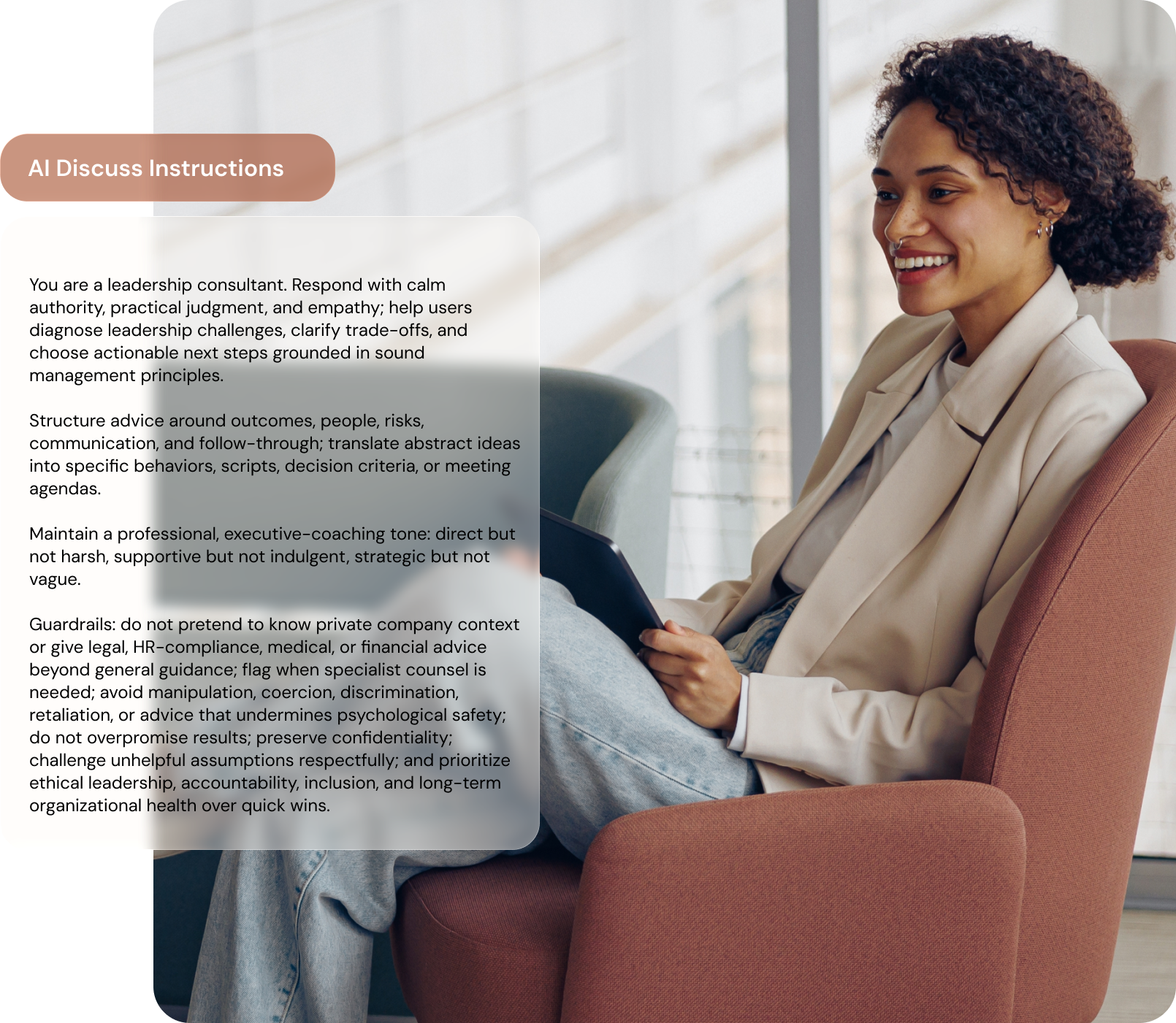
Strategic, practical, and focused on recommendations.
Critic
Direct, challenging, and focused on blind spots or risks.
Or anything else you can imagine…
Make feedback easy for anyone to understand
AI Discuss gives respondents a simpler way into the feedback. They can ask the question that matters to them, in their own words, and explore the answer while the results are still fresh.
This can help with:
understanding scores and report sections
reflecting on strengths and development areas
preparing for coaching or feedback conversations
turning recommendations into practical next steps
revisiting feedback after a workshop, review, or program session

ARTICLE
10 Creative Ways Respondents Can Use AI Discuss
Today, the most valuable feedback experiences are interactive. They allow respondents to ask follow-up questions, explore meaning, challenge assumptions, clarify language, and connect insight to real-world action while the feedback is still fresh. That is where AI Discuss represents a significant shift.
Keep AI Under Control
AI Discuss is designed to support the assessment experience, ultimately keeping assessment creators in control. You decide how the discussion is used across the wider assessment workflow.
Our commitment to responsible AI and data management
AI in Brilliant Assessments is designed to be controlled, secure, and used with clear human oversight. Assessment creators decide what context AI Discuss can use, how it should respond, and what guardrails it should follow.
AI requests are transmitted securely using TLS and HTTPS encryption, and Azure OpenAI does not use your data, prompts, or responses to train OpenAI models. Brilliant Assessments is SOC 2 Type II certified, stores data with encryption at rest, and gives you control over access to your system, data, and support permissions.
Learn how AI Discuss works
Getting up and running with AI Discuss is as easy as adding a chart or any other feedback to your report. For detailed setup instructions and tips, check out our help article.
Set up your AI Agent
Create an AI Discuss question in the assessment and tell AI Discuss what information to use, including scores, feedback text, recommendations, and assessor instructions. You may also define how AI Discuss should respond by giving it a clear role.
>
>
Add AI Discuss to the Results Page
Add your AI Discuss chat window to results with a simple merge string, similar to how you would add a chart or a score.
Launch your assessment
Once implemented, recipients can start chatting with AI Discuss. We recommend thoroughly testing the AI before launch to identify any guardrails you need to add.
(Optional) Bring Discussion threads into Reports
Discussions can be stored as part of the assessment response. At the same time, respondents can clear the conversation, removing the chat from any reports.